


Connecting Mics to an Audio Interface
 Audio Interface |  DI Box |  1. Reduce Gain |
|---|---|---|
 Mute |  2. Connecting Mics to Zoom R16 |  Connecting Mics to Zoom R16 |
 Connecting Mics to Zoom R16 |  3. Switch Everything Back On |  Switch Everything Back On |
 4. Bring up to Line Level +4dBu |  Bring up to Line Level +4dBu |  5. Begin Gain-Staging |
 Begin Gain Staging |  Begin Gain Staging |  Begin Gain Staging |
 Headphone Monitoring |
Connecting to MacBook Pro
 Connecting to MacBookProSimply connect the interface to the MacBook Pro via USB Cable. I plugged into the Device socket seen above. Host is a USB Host jack for connecting 'another' ZoomR16 to use more inputs and tracks. |  Connecting to MacBookProSimply connect the interface to the MacBook Pro via USB Cable. |
|---|
Connecting to DAW Software

Next, you need a DAW (Digital Audio Workstation) and there are many options available such as Reaper, Cubase, Ableton, Pro Tools and many more. Here I’m using Logic Pro X. (Ensure any Drivers for the audio interface to work are installed) Once the ZOOMR16 is connected to the MacBookPro, I open Logic Pro X and go to Preferences and select inputs and outputs. (watch video tutorial)
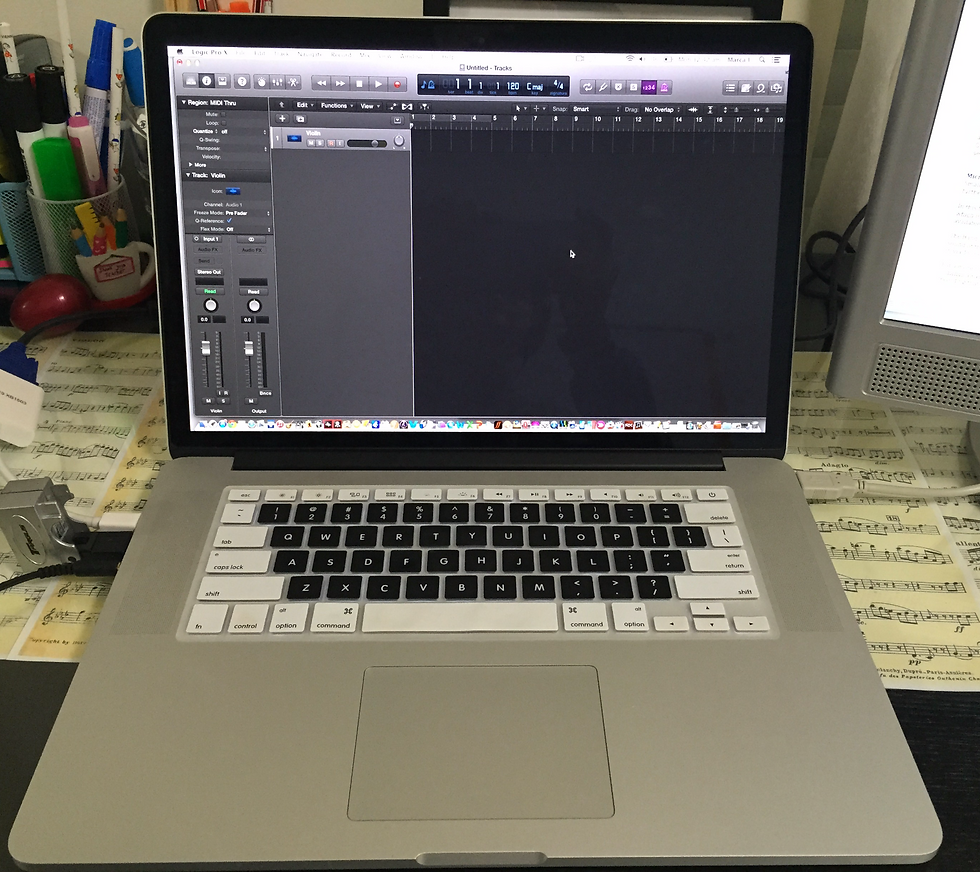
Then, insert a new 'Audio track', 'Arm' the track for recording so that the little (R) sign is blinking, and your ready to record. Press 'R' on your keyboard as shortcut or click on record in the top panel. A one bar count-in will be heard before the recording begins. Finally, check that you have recorded at a decent level, that it is not too quiet and not overly distorted with extreme peaks to make for a good and solid recording. Happy Recording!
Next, you need a DAW (Digital Audio Workstation) and there are many options available such as Reaper, Cubase, Ableton, Pro Tools and many more. Here I’m using Logic Pro X. (Ensure any Drivers for the audio interface to work are installed) Once the ZOOMR16 is connected to the MacBookPro, I open Logic Pro X and go to Preferences and select inputs and outputs. (watch video tutorial)

Recording at Van Leucia's Music Studio